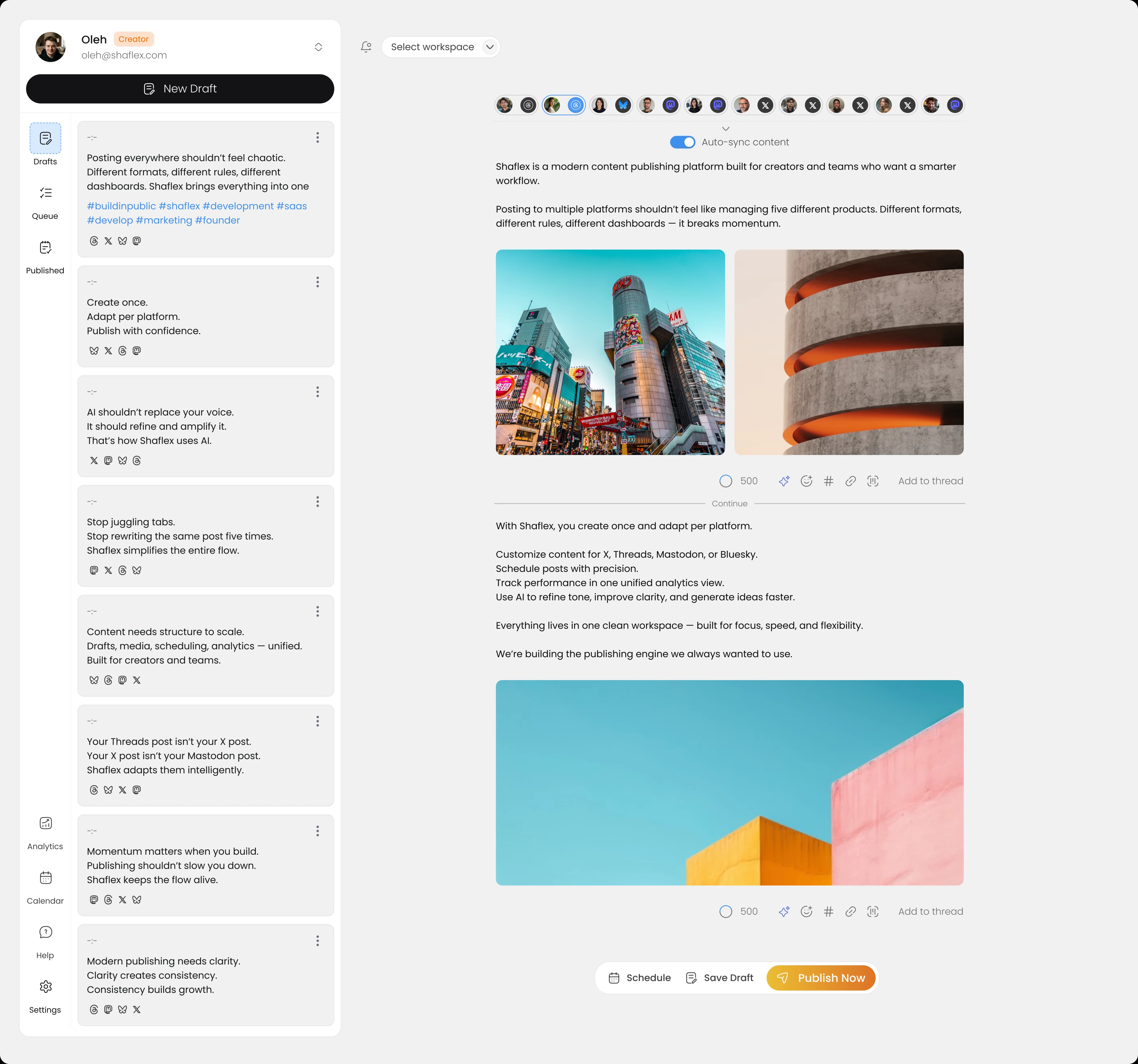
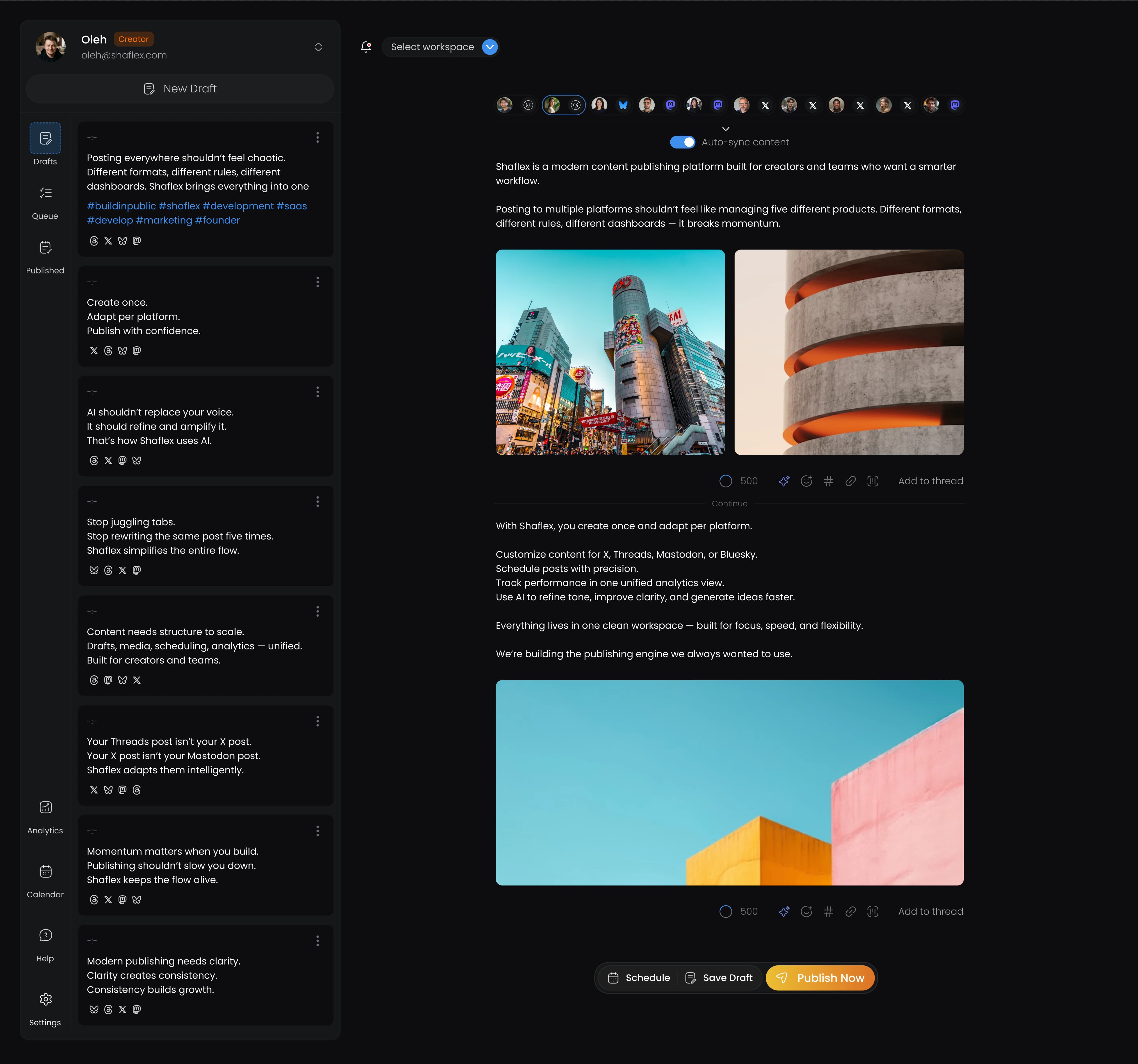
You can schedule Mastodon posts from any instance and cross-post to X, Threads, Bluesky, and LinkedIn at the same time. Mastodon's native scheduling is inconsistent across instances, so a third-party tool gives you reliable, cross-platform publishing. Here's how to set it up with Shaflex. You can also explore the full Mastodon scheduling experience on our platform page.
What you need
- A Mastodon account on any instance
- A Shaflex account (sign up free)
Step 1: Connect your Mastodon account
- Sign in to Shaflex
- Go to workspace settings → Add Integration → Mastodon
- Enter your instance URL (e.g., mastodon.social, fosstodon.org, or your self-hosted domain)
- Authorize Shaflex to post on your behalf
- Done. Your Mastodon account is connected
Shaflex includes instance discovery and works with any Mastodon server. It automatically detects your instance's character limit.
Step 2: Compose your toot
- Click Create Post and select your Mastodon channel
- Write your post. Shaflex shows a live counter based on your instance's character limit (usually 500)
- Add media if needed:
- Up to 4 files (images, video, audio)
- 40MB max per file
- Alt text for accessibility
Step 3: Schedule or publish
- Publish now: Post immediately
- Schedule: Pick a date and time for automatic publishing
Cross-posting from Mastodon
Write your Mastodon post and simultaneously publish to:
- X/Twitter (280 chars. Shaflex warns if your post is too long)
- Threads (500 chars)
- Bluesky (300 chars. See how to schedule Bluesky posts)
- LinkedIn (3,000 chars)
Character limits are handled automatically. A 250-character post fits all platforms.
Which schedulers support Mastodon?
| Tool | Mastodon | Any Instance |
|---|
| Shaflex | Yes | Yes |
| Buffer | Yes | Yes |
| Publer | Yes | Yes |
| Later | No | N/A |
| Hootsuite | No | N/A |
| Sprout Social | No | N/A |
| Metricool | No | N/A |
Only Shaflex, Buffer, and Publer support Mastodon scheduling in 2026. For a full breakdown of free plans across these tools, see our free social media scheduling tools comparison.
Tips
- Add alt text to images. The Mastodon community values accessibility
- Cross-post strategically: some Mastodon communities dislike content that feels like automated cross-posts. Personalize when possible
- Use threads for longer content instead of compressing into one post
Schedule Mastodon posts from any instance. Try Shaflex free. 3 channels, 30 posts/month.
Frequently asked questions
- Does Mastodon support native scheduling?
- Some Mastodon instances support native scheduling through the Mastodon web interface, but support is inconsistent across servers and self-hosted instances may have it disabled. Third-party tools provide a reliable scheduling experience that works regardless of which instance you're on.
- Which scheduling tools support Mastodon in 2026?
- Only three: Shaflex, Buffer, and Publer. Later, Hootsuite, Sprout Social, and Metricool do not support Mastodon scheduling. All three supported tools work with any instance: mastodon.social, fosstodon.org, or self-hosted servers.
- What is Mastodon's character limit?
- The default is 500 characters, but instances can configure their own limit — some allow more, some less. Shaflex's instance discovery automatically detects and applies your specific server's character limit so the live counter is always accurate for the instance you're connected to.
- Can I add alt text to images when scheduling Mastodon posts?
- Yes, and you should. The Mastodon community has strong accessibility norms, and posts without alt text are often flagged or hidden. Shaflex prompts you to add alt text for each image attachment before scheduling. Bluesky also indexes alt text for search, so it benefits cross-posts too.
- Will my followers see scheduled Mastodon posts as different from manual ones?
- No. Scheduled posts use Mastodon's official API and arrive identically to posts published from the native web or app interface. There's no badge, no detection mechanism, and no algorithmic penalty. Engagement rates are the same.
- Should I cross-post the same content to Mastodon and X?
- Be selective. The Mastodon community sometimes pushes back on content that feels like an automated cross-post: overly promotional, no engagement, identical text across networks. Personalize where you can: rewrite the hook, add alt text, respond to replies. Not every post needs to go to every platform.


 Apr 22, 2026