You can schedule Bluesky posts to go live at your best time, even while you're offline. Bluesky doesn't have native scheduling, so you need a third-party tool. Here's how to set it up with Shaflex in under 5 minutes. Not sure if Bluesky is the right platform for you? Read our Bluesky vs Threads comparison for creators.
What you need
Step 1: Connect your Bluesky account
- Sign in to Shaflex
- Go to your workspace settings
- Click Add Integration and select Bluesky
- Enter your Bluesky handle and app password
- Click Connect
Your Bluesky account is now linked to Shaflex. You can connect it as one of your free channels (the free plan includes 3 channels).
Step 2: Compose your post
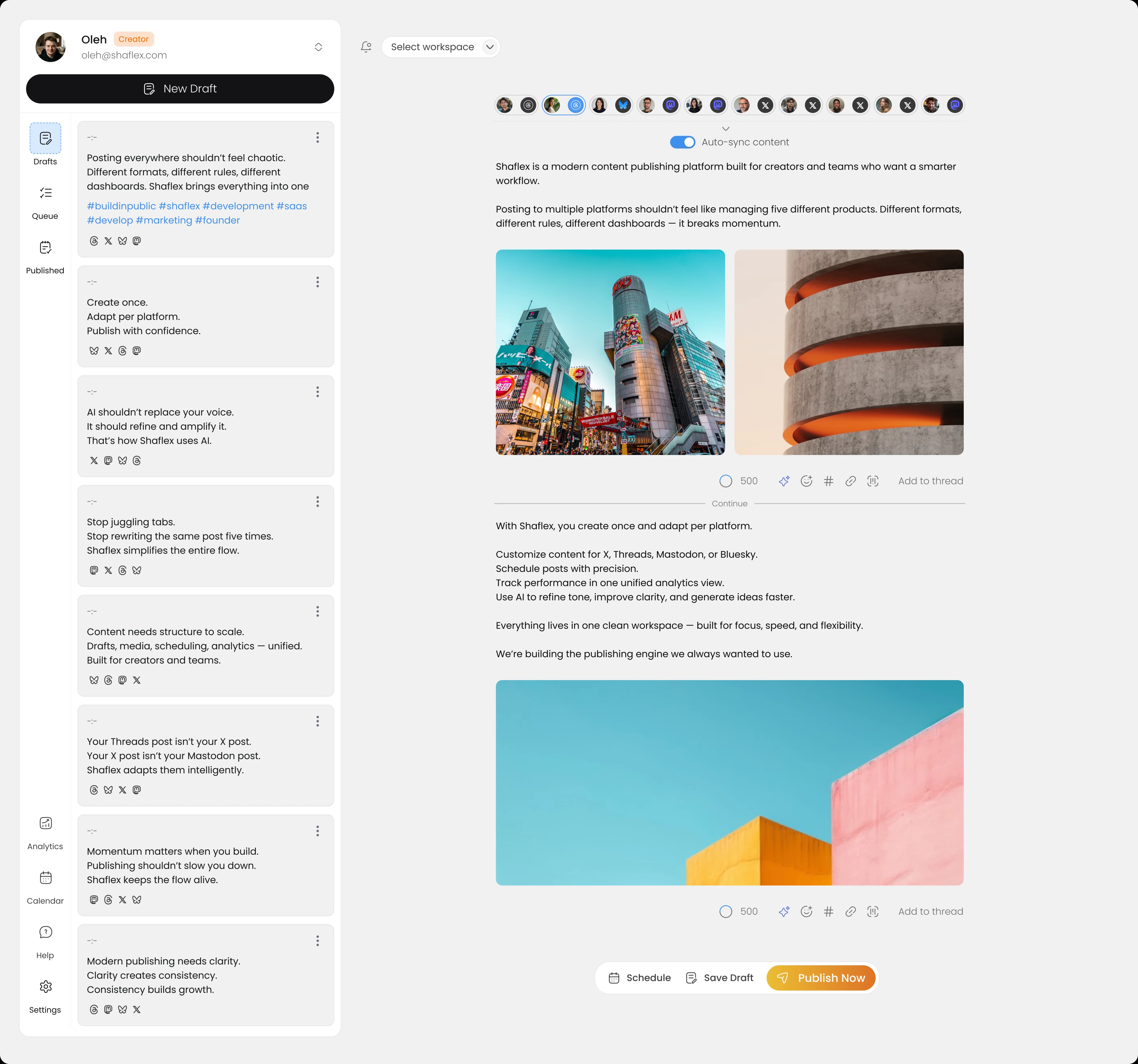
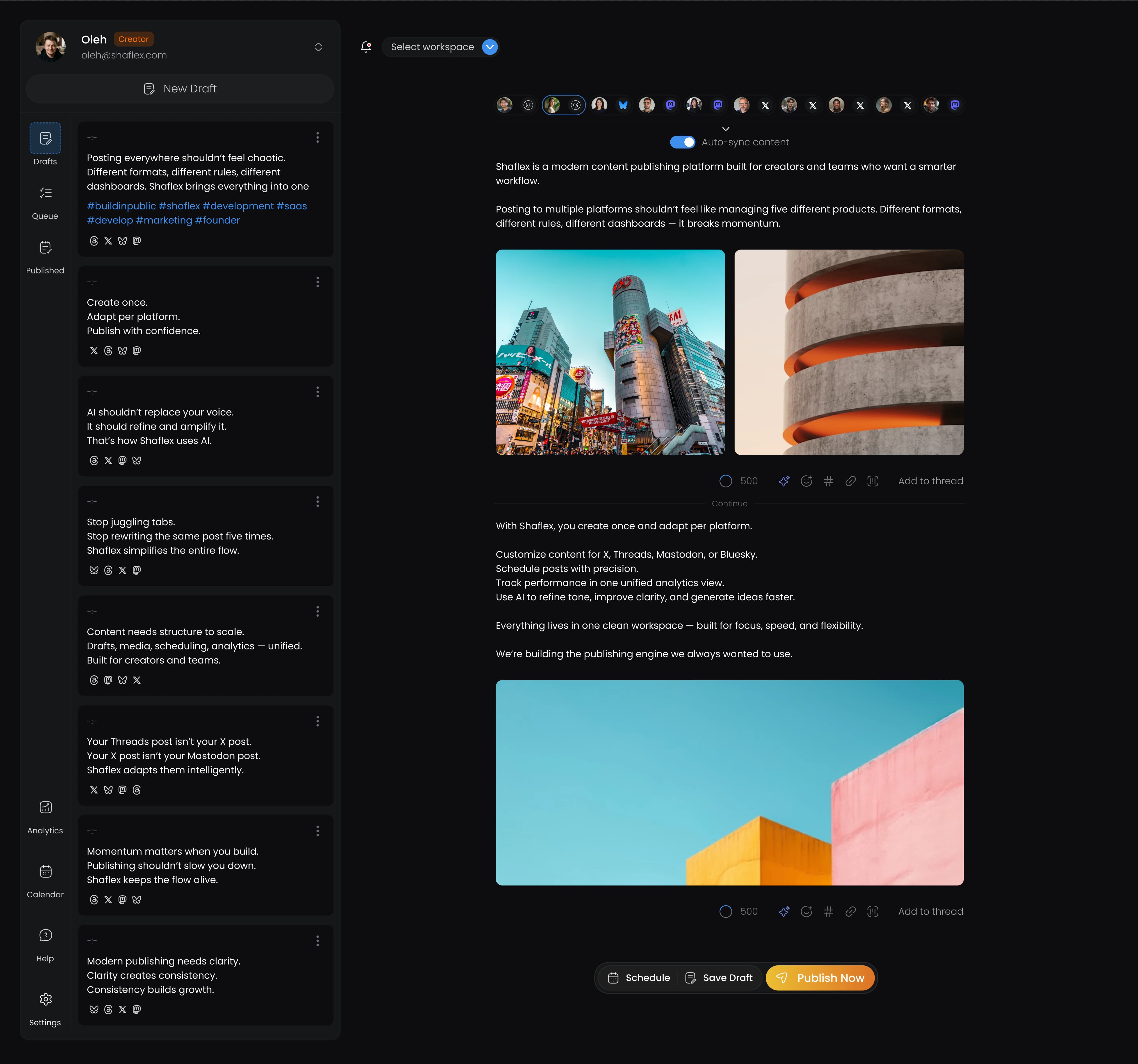
- Click Create Post in Shaflex
- Select your Bluesky channel (and optionally other platforms like X, Threads, Mastodon, or LinkedIn)
- Write your post. Shaflex shows a live character counter (Bluesky's limit is 300 characters)
- Add media if needed:
- Up to 4 images (10MB max per image)
- GIFs
- Link previews (auto-generated)
Writing a thread
If your post is longer than 300 characters, you can create a threaded post:
- Write your first post
- Click Add Thread to add another part
- Each part has its own 300-character limit
- Shaflex publishes all parts as a connected conversation on Bluesky
Step 3: Schedule or publish
You have two options:
Publish now: Click Publish to post immediately to Bluesky (and any other selected platforms).
Schedule for later: Click Schedule, pick a date and time, and Shaflex will publish automatically at that time.
If you're on the Creator plan or higher, you can also use AI-powered best-time-to-post analysis to find the optimal scheduling time.
Cross-posting to other platforms
One of the biggest advantages of scheduling through Shaflex is cross-posting. When you compose a Bluesky post, you can simultaneously publish it to:
- X/Twitter: Shaflex adapts the character limit (280 chars vs Bluesky's 300)
- Threads: Posts can be up to 500 characters
- Mastodon: 500 characters (configurable per instance). See our guide on how to schedule Mastodon posts for details
- LinkedIn: Up to 3,000 characters
Character limits are handled automatically. If your Bluesky post is 300 characters, it fits within all supported platforms' limits without editing.
Bluesky post limits
| Feature | Limit |
|---|
| Characters | 300 |
| Images | Up to 4 |
| Max image size | 10 MB |
| Link previews | Supported |
| Threads | Supported |
| GIFs | Supported |
Which tools support Bluesky scheduling?
Not all social media schedulers support Bluesky. Here's who does and who doesn't:
| Tool | Bluesky Support |
|---|
| Shaflex | Yes |
| Buffer | Yes |
| Publer | Yes |
| Metricool | Yes |
| Later | No |
| Hootsuite | No |
| Sprout Social | No |
Shaflex is one of the few tools that supports Bluesky alongside Mastodon, Threads, X, and LinkedIn, letting you manage all your social platforms from one dashboard. Explore the full Bluesky scheduling experience to see what's possible.
Tips for Bluesky scheduling
Use threads for longer content. Bluesky's 300-character limit is tight. If you have more to say, use threaded posts instead of trying to compress everything into one post.
Include images. Visual posts tend to get more engagement on Bluesky, just like on other platforms.
Cross-post strategically. Not every post needs to go to every platform. Use Shaflex's multi-channel selector to choose which platforms make sense for each post.
Schedule consistently. Bluesky's algorithm rewards regular posting. Use Shaflex's content calendar to plan your posting schedule in advance.
Ready to start scheduling Bluesky posts? Sign up for Shaflex. Free plan includes 3 channels and 30 posts/month.
Frequently asked questions
- Does Bluesky support native scheduling?
- No. Bluesky does not currently offer native post scheduling. To schedule Bluesky posts you need a third-party scheduling tool. The tools that support Bluesky in 2026 are Shaflex, Buffer, Publer, and Metricool. Later, Hootsuite, and Sprout Social do not support Bluesky.
- What is Bluesky's character limit?
- 300 characters per post. If you have more to say, you can create threaded posts where each part has its own 300-character limit. Shaflex shows a live character counter as you type so you don't accidentally exceed the limit.
- Can I cross-post from Bluesky to X, Threads, and Mastodon?
- Yes. With Shaflex you can compose one post and publish to Bluesky (300 chars), X (280 chars), Threads (500 chars), Mastodon (500 chars), and LinkedIn (3,000 chars) at the same time. Character limits are handled automatically. A 300-character Bluesky post fits within all other platform limits without editing.
- How many images can a Bluesky post include?
- Up to 4 images per post, with a maximum size of 10 MB per image. Bluesky also supports GIFs and auto-generated link previews. Visual posts tend to get higher engagement on Bluesky, similar to other social platforms.
- Do I need an app password to connect Bluesky to a scheduler?
- Yes. Bluesky uses app-specific passwords for third-party integrations rather than your main account password. You can generate an app password from your Bluesky account settings, then paste it into Shaflex when connecting your account. App passwords can be revoked at any time without affecting your main login.
- Is scheduled Bluesky content treated differently by the algorithm?
- No. Scheduled posts use the official AT Protocol API and are indistinguishable from manually-published posts at the data level. Engagement rates are statistically identical. What does affect Bluesky reach is consistent posting cadence, alt text on images, and engagement during the first 30–60 minutes after the post goes live.


 Apr 22, 2026