A content calendar is one of the most valuable tools in any social media manager's toolkit. It transforms chaotic, last-minute posting into a strategic, organized process that saves time and delivers better results. Whether you're a solo creator or managing a team, the right calendar format can make the difference between consistent publishing and scrambling for ideas at the last minute.
In this guide, we cover 10 content calendar formats, from simple weekly planners to comprehensive all-in-one suites, so you can find the approach that fits your workflow.
Why You Need a Content Calendar
A content calendar is more than just a scheduling tool. It's the backbone of a successful content strategy. Here's why every creator and brand needs one:
- Visibility: See all your content at a glance across platforms and dates
- Consistency: Plan ahead to ensure regular posting without last-minute scrambles
- Strategy alignment: Map content to campaigns, launches, and business objectives
- Team coordination: Keep everyone on the same page with shared visibility
- Time savings: Batch your planning so you spend less time deciding what to post
Without a calendar, it's easy to fall into reactive posting, only sharing content when inspiration strikes. A calendar shifts you into proactive mode, where every post serves a purpose.
10 Content Calendar Formats
1. Simple Weekly Planner
Best for: Beginners and solo creators
A basic seven-day grid with one row per platform. Each cell contains the post topic, format, and status. This is the simplest way to start: no special tools required, just a spreadsheet or even pen and paper.
Columns: Day, Platform, Topic, Format, Status
2. Monthly Overview
Best for: Seeing the big picture
A month-at-a-glance view that shows themes, key dates, and content distribution. Useful for identifying gaps: if you see three days with no content planned, you know where to fill in.
Columns: Date, Theme, Platform(s), Content Type, Notes
3. Platform-Specific Calendar
Best for: Brands with different strategies per platform
Separate tabs or views for each social network, allowing you to tailor content to each platform's unique audience and format. What works on LinkedIn differs from Threads, so having platform-specific plans ensures you're optimizing for each.
Columns: Date, Content, Hashtags, Media, Link, Performance
4. Campaign Tracker
Best for: Marketing teams running multi-channel campaigns
Organizes content around specific campaigns with start/end dates, goals, and KPIs. Track which posts support which campaign, and measure results against objectives.
Columns: Campaign, Date Range, Platform, Content, Goal, KPI, Status
5. Editorial Calendar
Best for: Blogs and long-form content
Designed for articles, newsletters, and in-depth content with stages from ideation to publication. Includes fields for SEO keywords, target audience, and distribution channels.
Columns: Topic, Keyword, Author, Draft Date, Publish Date, Distribution, Status
6. Video Content Planner
Best for: YouTube creators and video-first teams
Tracks the entire video pipeline, from concept to script to filming to editing to publishing. Includes fields for thumbnails, descriptions, and cross-promotion.
Columns: Title, Script Status, Filming Date, Edit Status, Publish Date, Platform, Thumbnail
7. Engagement Tracker
Best for: Community-focused brands
Goes beyond publishing to track replies, comments, and community interactions. Helps you stay on top of conversations and measure relationship-building alongside content output.
Columns: Date, Post, Platform, Comments, Replies Sent, Engagement Rate
8. Analytics Dashboard Calendar
Best for: Data-driven teams
Combines your publishing calendar with performance metrics. See at a glance which posts performed well and which fell flat, so you can iterate on what works.
Columns: Date, Post, Platform, Impressions, Engagement, Clicks, Conversions
9. Team Collaboration Calendar
Best for: Teams with multiple contributors
Includes assignments, approval workflows, and review stages. Each post has an owner, reviewer, and status, ensuring nothing gets published without proper review.
Columns: Date, Assignee, Content, Reviewer, Status (Draft/Review/Approved/Published)
10. All-in-One Suite
Best for: Comprehensive content operations
Combines elements of all the above into a single system with multiple views (weekly, monthly, by platform, by campaign). This is the most complex option but provides complete visibility.
Views: Weekly grid, Monthly overview, Platform filter, Campaign filter, Analytics overlay
How to Choose the Right Format
Start by answering these questions:
- How many platforms do you manage? One platform? The simple weekly planner works. Five or more? Consider platform-specific or all-in-one.
- Do you work alone or with a team? Solo? Keep it simple. Team? Add approval workflows.
- How content-heavy is your strategy? A few posts per week? Weekly planner. Daily across multiple channels? You need a monthly overview at minimum.
- Do you run campaigns? If yes, add campaign tracking.
The golden rule: start simpler than you think you need. You can always add complexity later. An over-complicated calendar that nobody uses is worse than a simple one that everyone follows.
How to Use Your Calendar Effectively
- Choose your format based on the questions above
- Set up your structure: customize columns to match your workflow
- Plan content themes: start with monthly themes, then break into weekly topics
- Fill in key dates first: holidays, product launches, events, industry moments
- Batch create content: set aside dedicated time to create and schedule posts
- Review weekly: every Monday, review the upcoming week and make adjustments
- Iterate monthly: analyze what worked, drop what didn't, and improve your process
Pro Tips for Content Calendar Success
- Color-code by content type or platform for quick visual scanning
- Maintain a "content bank" of evergreen ideas you can pull from when inspiration runs low
- Build in buffer time for unexpected opportunities or trending topics
- Review analytics monthly to inform future planning
- Don't over-plan: leave 20-30% of your calendar flexible for real-time content
- Use your calendar as a single source of truth: if it's not on the calendar, it doesn't get posted
Get Started Today
The best content calendar is one you'll actually use. Pick the format that fits your current workflow, set it up in the next 30 minutes, and plan your first week of content.
As your strategy grows, your calendar can grow with it. Start simple, stay consistent, and let the structure free up your creative energy for what matters: creating great content.
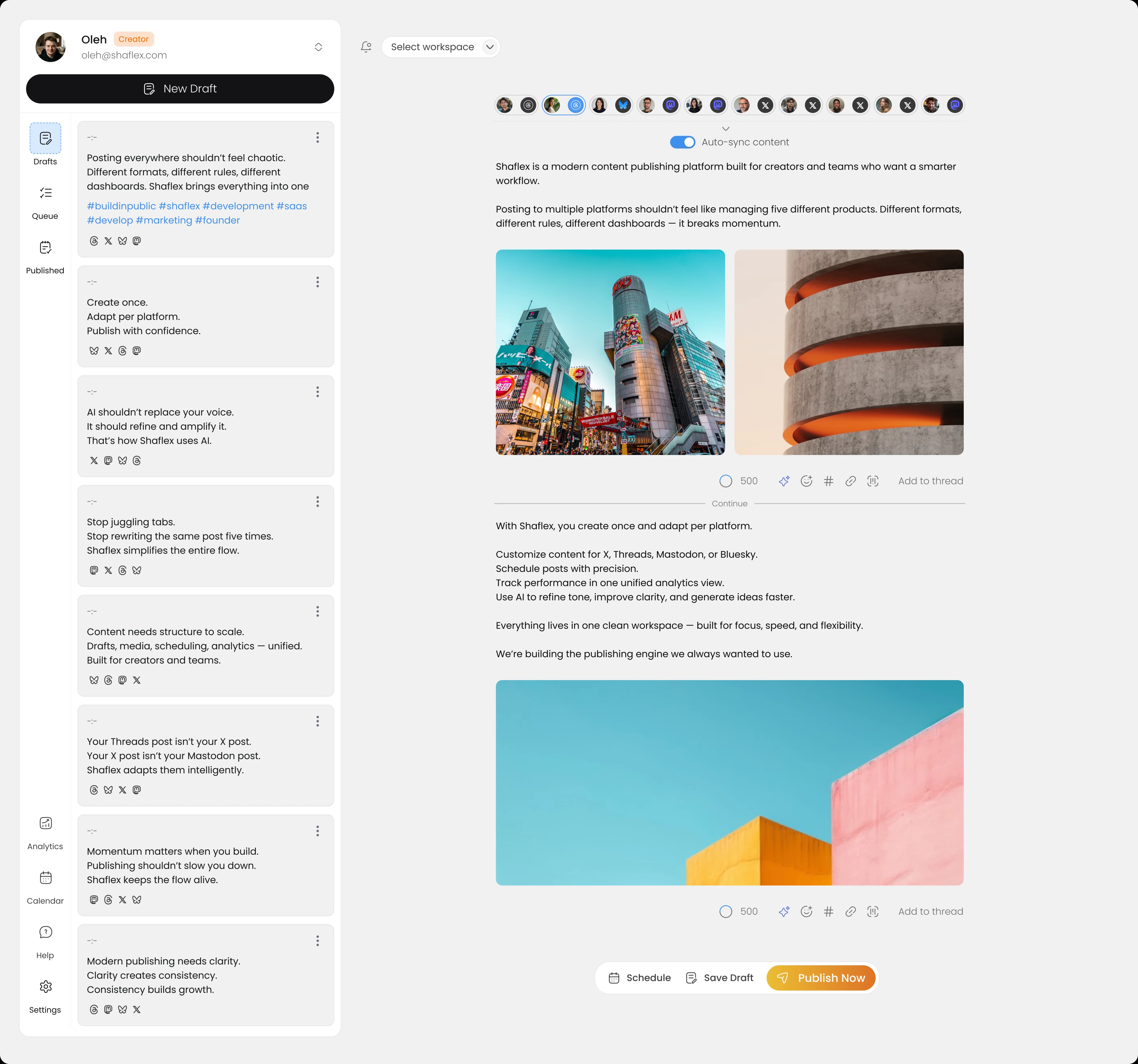
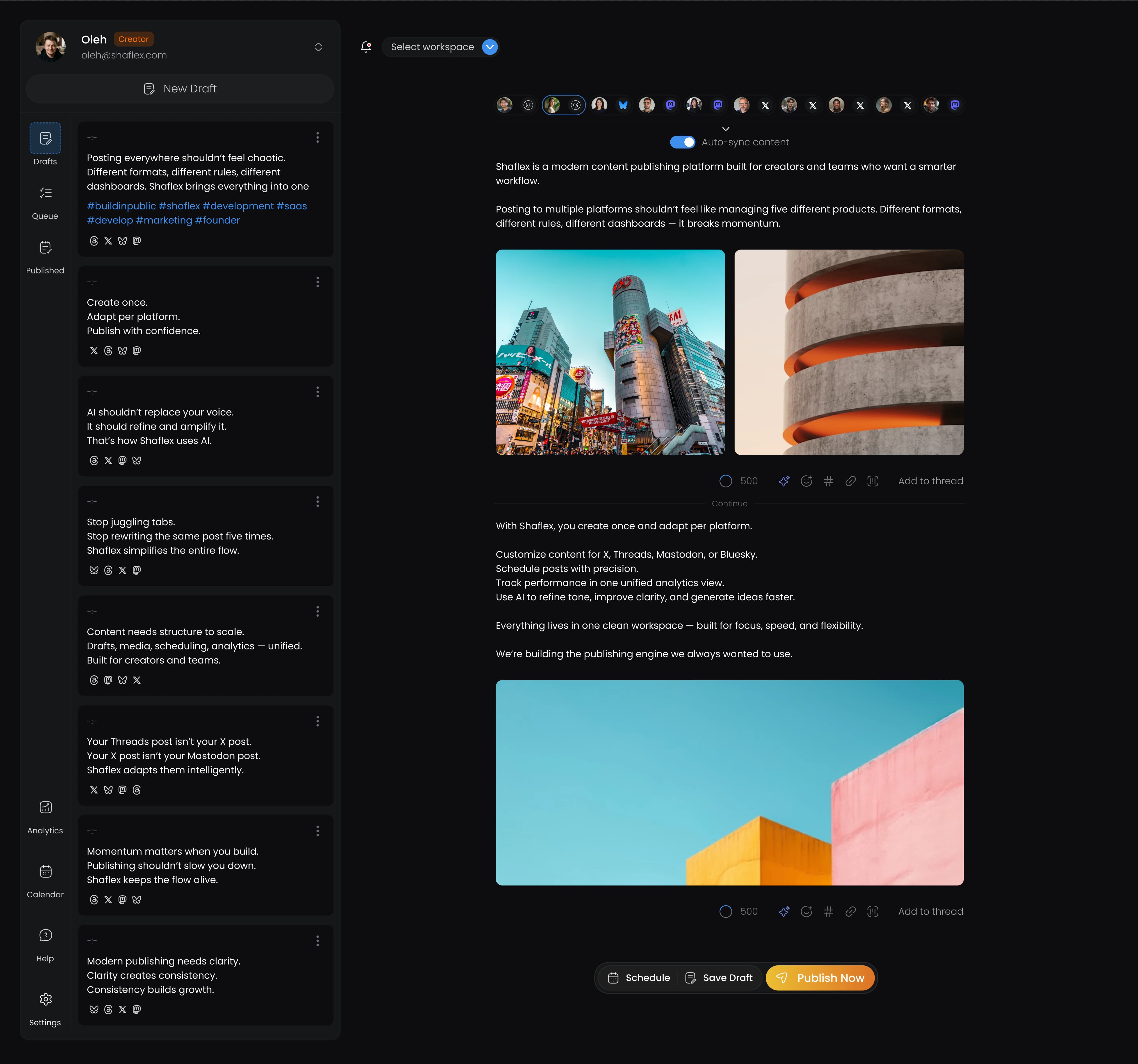
Want to skip the spreadsheets? Shaflex lets you plan, create, and publish across all your social platforms from one clean interface, no complex setup required.


 Apr 22, 2026